
Why Cancellation Reminders Matter
Here’s the thing — most subscriptions are designed to stay active forever. That’s not an accident. Services renew automatically, charges hit your card without warning, and you’ve completely forgotten about that trial you signed up for three months ago.
The problem isn’t the services themselves. It’s that cancellation deadlines exist in a void. You know you want to cancel, but you don’t know when the billing cycle ends. One day you realize the charge went through again, and now you’re frustrated. We’ve all been there.
Setting up actual reminders — not vague intentions, but real notifications — changes everything. You’ll catch cancellation windows before they close. You’ll know exactly when you need to act. And you’ll stop paying for things you don’t use.
The Real Cost: Most Hong Kong consumers pay for 3-4 forgotten subscriptions every month. That’s 36-48 unused services every year. Across streaming, apps, and tools, you’re likely losing HK$500+ annually to services you’ve completely forgotten about.
The Calendar Method
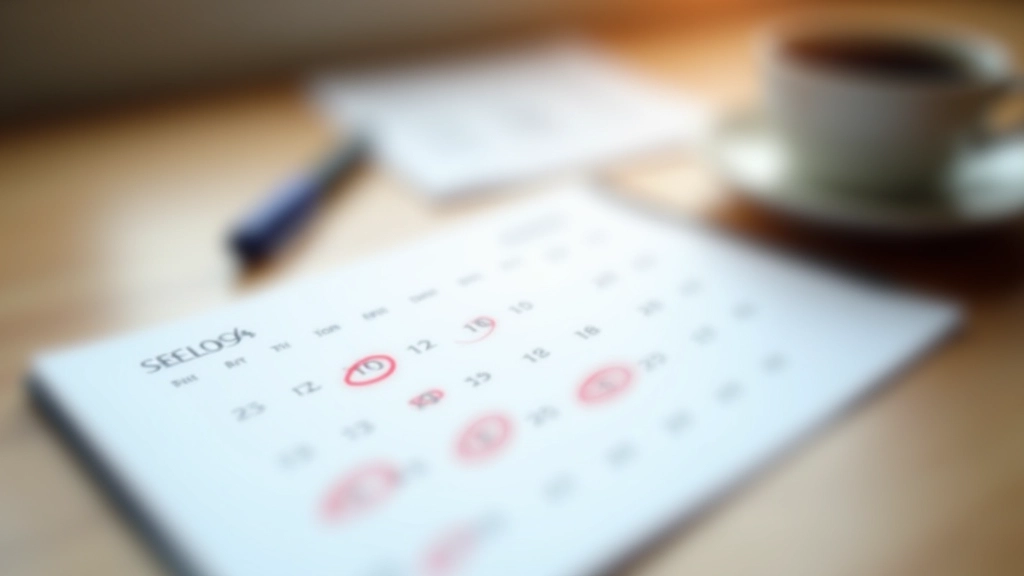
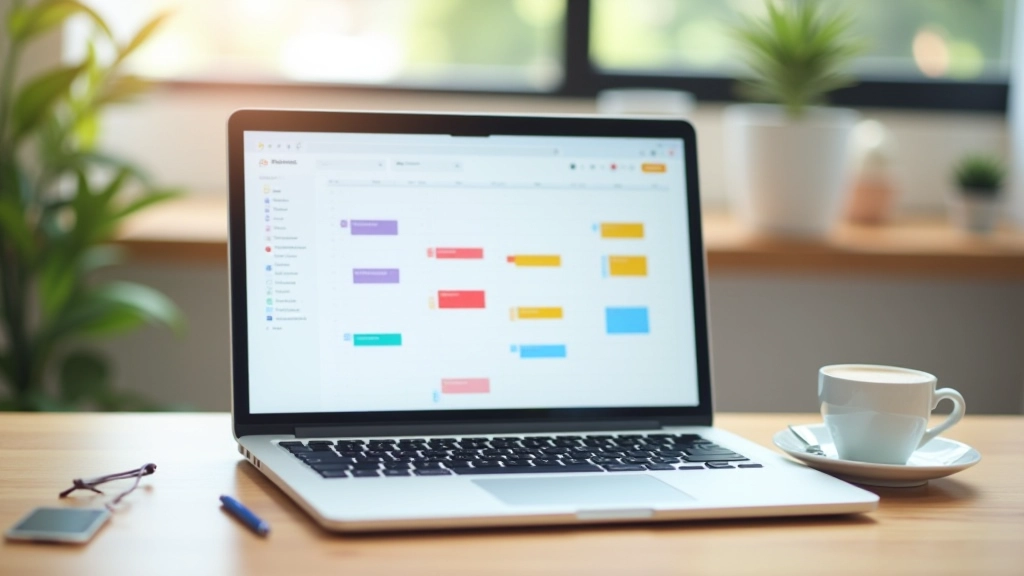
The simplest approach? Use the calendar app that’s already on your phone. You probably have Google Calendar, Apple Calendar, or Outlook. They’re free, they sync across devices, and they actually work.
Here’s what you do: For every active subscription, create a recurring event on your calendar. Set it for 7 days BEFORE the renewal date. So if your streaming service renews on the 15th, your reminder goes on the 8th. That gives you a week to decide — cancel or keep it.
- Write the service name + renewal date in the event title
- Set the reminder to notify you in the morning (not 3pm when you’re busy)
- Make it recurring if the subscription is yearly
- Color-code by category (streaming = blue, apps = green, telecom = red)
Why 7 days? Most services need 24-48 hours notice before the billing cycle. Seven days gives you breathing room for life to get in the way.
Digital Tools Built for This
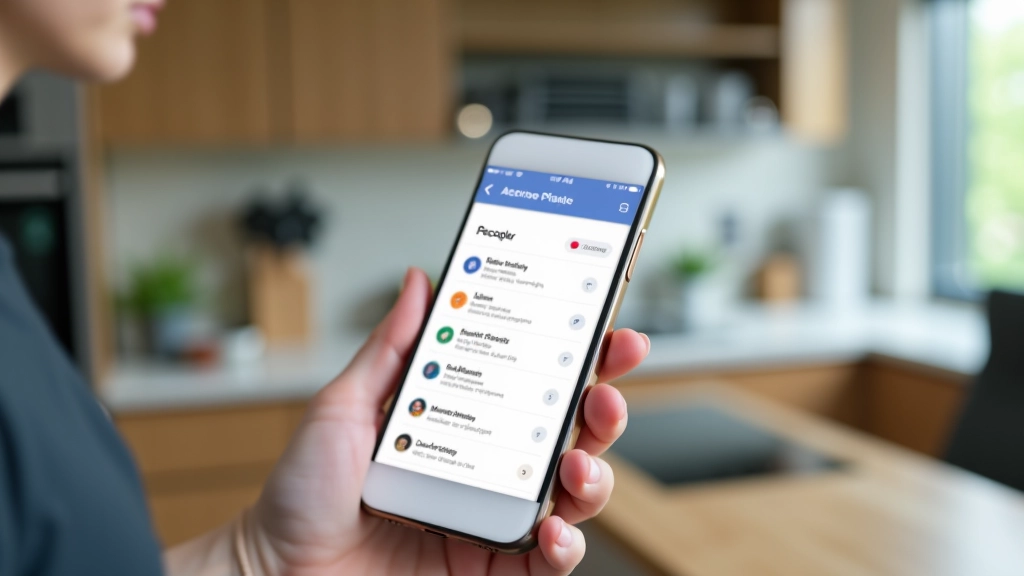
If calendar events feel too manual, there’s another option. Apps designed specifically for subscription tracking exist — and some are genuinely useful. They import your subscriptions from email or bank statements, calculate your total monthly spending, and send reminders automatically.
The best ones let you:
- See all subscriptions in one place with renewal dates
- Get notifications 7-14 days before renewal
- Track spending trends across categories
- Identify forgotten services you haven’t used in months
You don’t need anything fancy. Even basic reminder functionality is better than checking your credit card statement after the fact and realizing you’ve been charged.
Pro Tip: Whether you use a calendar or an app, test your first reminder. Set one for tomorrow and make sure the notification actually reaches your phone. Some people disable notifications by accident and never realize it.


The Backup Reminder System
Here’s what happens when you rely on just one reminder method: you miss it. Your phone dies before the notification arrives. You get distracted. The app crashes. Technology fails, which is why we’re not done yet.
The strongest approach uses TWO reminders. Calendar event at 7 days out, then a second notification at 2 days out. This isn’t overkill — it’s actually the minimum threshold to catch something before auto-renewal kicks in.
You could also set a phone alarm for the morning of your deadline. Not elegant, but it works. Or put a sticky note on your monitor. Yes, really. The people who successfully cancel unwanted subscriptions aren’t relying on their memory — they’re using external systems.
The best reminder system is the one you’ll actually use. If that’s a calendar, use a calendar. If it’s an email from yourself, do that. If it’s a Post-it note on your laptop, fine. The tool doesn’t matter — consistency does.
Making It Stick
Setting up reminders is the easy part. Actually following through is harder because canceling feels like friction. The app makes you jump through three screens to confirm. You have to remember your password. You’re not sure if you’ll lose access immediately or at the end of the billing cycle.
When your reminder goes off, act within 24 hours. Open the app or website, navigate to account settings, find the cancellation option (usually buried), and confirm. Don’t wait. Don’t think about it. Just do it. The longer you wait, the more likely you’ll forget.
Screenshot the cancellation confirmation. Email it to yourself or save it in a folder. You’ll need proof if the charge goes through again — and sometimes it does because companies are weird about processing cancellations.
Once you’ve canceled three or four subscriptions using your reminder system, it becomes automatic. You’ll see the notification, you’ll know exactly what to do, and you’ll do it. That’s when the system actually saves you money.
Quick Summary
- List all active subscriptions with renewal dates
- Set calendar reminders for 7 days before each renewal
- Add a backup reminder at 2 days before
- When reminded, decide within 24 hours: cancel or keep
- Screenshot the cancellation confirmation
Disclaimer: This article is for informational purposes only. It’s designed to help you understand subscription management and cancellation strategies. Every service has different cancellation policies, renewal terms, and procedures. We recommend reviewing your service’s specific terms before attempting to cancel. Circumstances vary based on your location, the service provider, and your account status. If you encounter issues during cancellation, contact the service’s customer support directly.