
Comparing Mobile Plans and Broadband in Hong Kong
What you’re actually paying for telecom services and how to spot better deals.

Here’s the thing — subscriptions are designed to be forgotten. You sign up for a free trial, it converts to paid, and then it quietly charges your card every month while you’re not thinking about it. The average person in Hong Kong has between 8-15 active subscriptions, and most of them don’t even realize it.
That’s money draining away without you noticing. A streaming service you watched once. A productivity app you switched away from. A gym membership you don’t use. These aren’t huge amounts individually, but they add up fast. An audit takes maybe 30 minutes and could save you hundreds of dollars a year.
$847
Average annual waste on unused subscriptions
62%
Of people don’t know exactly what they pay for monthly
You’ll need to track down every subscription you’ve got. Don’t rely on memory — you’ll miss half of them. Open your email and search for “confirm subscription”, “payment received”, and “renews on”. Most services send confirmation emails when you sign up.
Check your credit card and bank statements too. Scroll back 3-6 months. Look for recurring charges that you don’t immediately recognize. Sometimes subscriptions hide under company names you won’t immediately remember. Spotify shows as “Spotify AB”, for example.
Look for these sources:

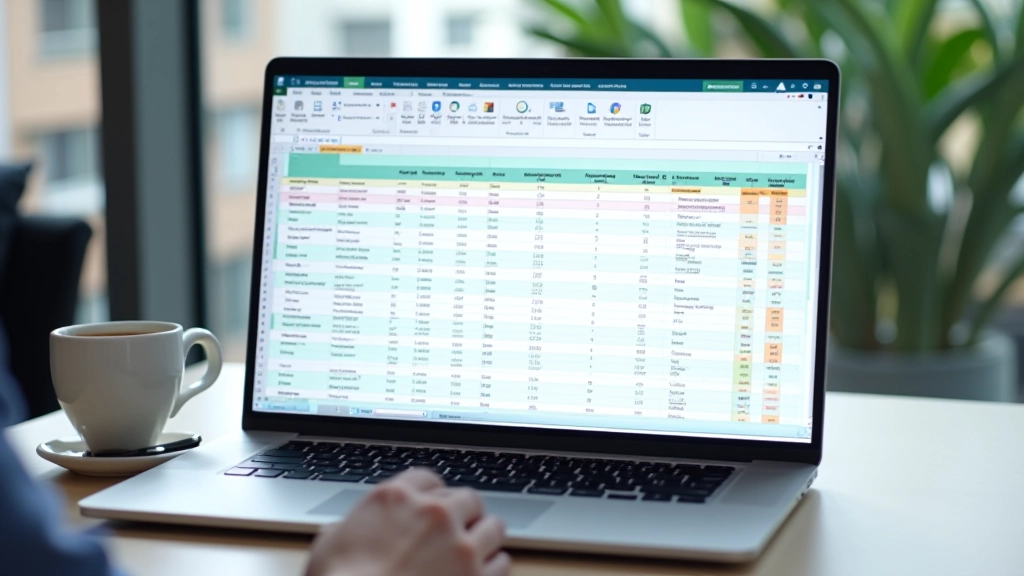
Get a spreadsheet or use a simple notebook. You don’t need anything fancy. For each subscription, write down: the service name, what you’re paying monthly, the renewal date, and whether you’re actually using it.
Be honest about usage. “I’ll probably use it someday” doesn’t count. Are you actively using it at least once a month? If not, it’s a candidate for cancellation. Don’t judge yourself — we’ve all paid for things we don’t use. The goal here is just to see what you’re actually spending.
“The act of writing everything down is where people get their first shock. They’ll say ‘I didn’t think it was that much’ and then realize they’re spending more on streaming services than on groceries.”
Now comes the tough part. Go through your list and ask yourself one simple question for each: Would I pay for this today if I didn’t already have it? If the answer is no, you should cancel it.
Some subscriptions are keepers. You use them regularly and they genuinely add value to your life. Others are just… there. You’re not using them enough to justify the cost. And some you’ve completely forgotten about — those are the easiest decisions.
Keep It
Using actively, provides clear value, worth the monthly cost
Maybe Later
Useful sometimes but not essential, consider pausing or downgrading
Cancel
Haven’t used it in months, completely forgotten about, or replaced


This is where most people stop. They identify the subscriptions they don’t need but don’t actually cancel them. Don’t be that person. The cancellation process is usually pretty straightforward — go to account settings, find the billing section, and look for “cancel subscription” or “manage payment method”.
Some services make cancellation annoying on purpose. They’ll try to offer you a discount or suggest a cheaper tier. That’s fine — if the cheaper option actually works for you, take it. But if you’re canceling because you don’t use it, don’t let them convince you otherwise.
Keep records of what you canceled and when. You’ll want to verify that the charges actually stop in your next billing cycle. Sometimes there’s a delay or they charge you one more time before processing the cancellation.
Here’s the reality: you’re going to sign up for new subscriptions in the future. You’ll download an app that seems useful, or you’ll want to try a service. That’s fine. But don’t let it become a surprise expense. Set a reminder on your phone or calendar to audit your subscriptions every three months. Spend 20 minutes checking what you’ve got, what you’re using, and what needs to go.
That 20 minutes could save you hundreds of dollars a year. You’ll be amazed at what slips back in once you’re not paying attention. The good news is that now you know how to find it, document it, and deal with it. You’ve got this.
Once you’ve cleaned up your subscriptions, explore better deals on the services you actually need.
Compare Mobile Plans & BroadbandThis article is for informational purposes only and should not be considered financial advice. While we’ve provided practical guidance based on common practices, individual circumstances vary. Always review your specific subscription terms and conditions before canceling any service. We recommend consulting with a financial advisor if you need personalized guidance on managing your recurring payments and budget. Information is accurate as of April 2026 and subject to change.